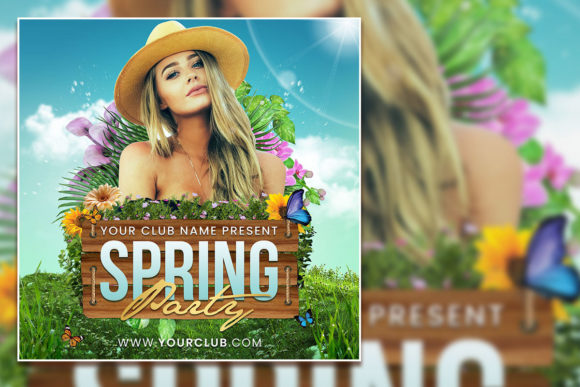
Modern Spring Party Social Media Post
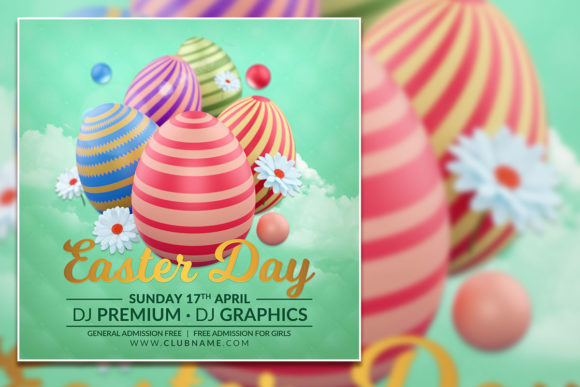
Spring brings with it a sense of renewal, brighter colors, and a calendar full of gatherings worth celebrating. Whether you are planning an Easter brunch, a spring soirée, or a community festival, the way you present your event can make the difference between a casual glance and a confirmed RSVP. The Modern Spring Party Social Media Post and its accompanying Easter flyer template offer a practical, polished starting point for anyone who wants to promote an event without starting from scratch. This fully editable PSD set is designed to work for designers, small business owners, marketers, and hobbyists alike. It combines modern typography with a clean layout that feels festive without being overly thematic, giving you room to adapt it to your specific needs.
What This Template Brings to Your Workflow
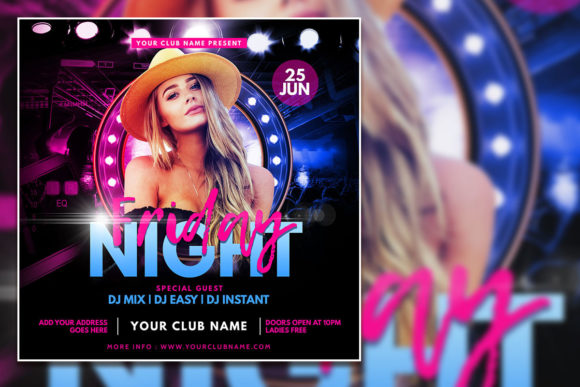
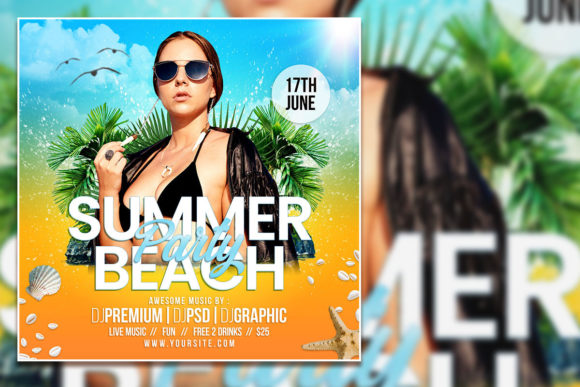
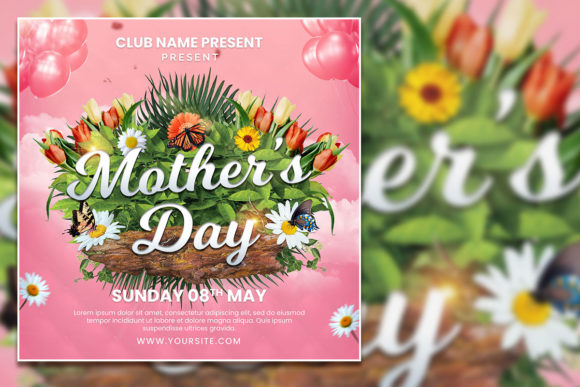
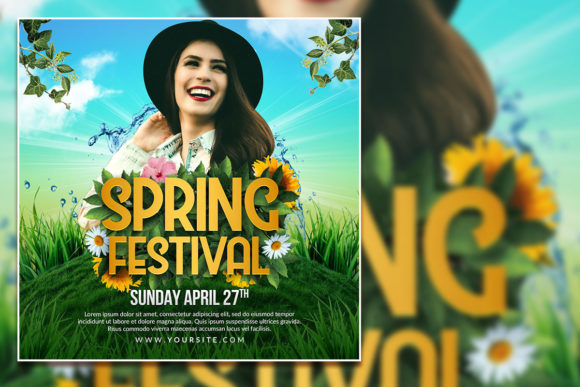
At its core, this template is a square-format design asset measuring 2000 by 2000 pixels at 300 dpi. That makes it immediately suitable for Instagram posts, Facebook event covers, printed flyers, email headers, and even small signage. The file comes as an organized Photoshop PSD with separate layers, so you can edit text, swap imagery, and adjust colors without wrestling with locked elements. A JPG preview is included, along with a help file containing font download links.
Visually, the template leans into a contemporary aesthetic. Clean lines, generous negative space, and a restrained color palette allow your content—whether that is event details, a brand logo, or a custom photo—to take center stage. The typography blends a modern display font with supporting text styles that keep the hierarchy clear. The overall personality is welcoming and upbeat, but not childish. It avoids heavy-handed Easter imagery like oversized bunnies or pastel overload, which means it can work as easily for a corporate spring mixer as it does for a family gathering. That flexibility is valuable if you create content for multiple clients or events throughout the season.
Where This Design Works Best
Because the Modern Spring Party Social Media Post is not tied to a single industry or occasion, its strongest applications are in promotion and branding contexts where first impressions matter. Here are a few realistic scenarios where this template shines:
- Social media campaigns – The square format is native to Instagram and Facebook, and the layered PSD makes it easy to create a series of posts with consistent branding. Swap out the photo, update the headline, and you have a cohesive campaign for an entire spring event series.
- Event invitations – Whether you are hosting an Easter festival, a spring market, or a charity brunch, the template gives you a professional-looking invite without the need to hire a designer. The editable text fields let you adjust date, time, location, and call-to-action details in seconds.
- Print materials – At 300 dpi, the file is ready for print. Use it for flyers, postcards, table tents, or even small posters. The resolution holds up well at standard print sizes, and the organized layers mean you can repurpose the design for both digital and physical formats without rebuilding it.
- Brand identity support – If you run a bakery, a boutique, or a creative studio, you can customize the template to reflect your brand colors and fonts. The design sits comfortably in a modern brand identity system, especially if your brand uses clean typography and minimal ornamentation.
- Content creation for publishers and bloggers – Bloggers covering spring events, seasonal recipes, or lifestyle content can use this template as a lead graphic for posts or as a Pinterest pin. The 1:1 aspect ratio is standard for many platforms, and the visual structure works well with overlayed text.
How Typography and Layout Influence Perception
Typography is often the silent driver of how an audience perceives a design. With the Modern Spring Party Social Media Post, the typeface choices are central to its appeal. The primary display font has the character of a modern serif or a refined handwritten style—depending on the specific font version you pair with the template—giving it personality without sacrificing legibility. This balance is hard to achieve, and it is why the template feels accessible to a broad audience.
Readability is the first thing to consider. In social media feeds, users scroll quickly. If the headline does not register within a second or two, the post gets lost. The template addresses this by placing the most important information in a large, clear typeface with enough contrast against the background. Supporting details sit in smaller sizes but remain easy to scan because of careful line spacing and alignment. That visual hierarchy guides the eye from the main message to the secondary details and finally to the call-to-action.
Brand perception also benefits from consistent typography. When you use the same typeface across multiple touchpoints—social posts, flyers, email headers—you build recognition. Audiences subconsciously associate that visual style with your brand or event. The template supports that by letting you lock in your chosen font and color palette across all layers. Over time, this consistency translates into professionalism and trust. People may not consciously notice the typography, but they will notice if it feels disjointed or amateurish.
Engagement is the ultimate goal, and a well-structured layout supports it. When everything is easy to read and visually pleasing, the audience is more likely to pause, absorb the information, and take action. The Modern Spring Party Social Media Post achieves this by pairing a strong display font with clean supporting text, all arranged in a composition that feels balanced and intentional. There is no clutter, no competing elements, no guesswork. That clarity is what encourages clicks, shares, and responses.
Practical Guidance for Choosing and Using This Template
Before you download and start editing, it helps to think through how this asset fits your specific project. Not every template is right for every task, and knowing what to look for saves time and frustration. Here are a few practical considerations:
Evaluate Project Fit
Ask yourself what tone you need to strike. The Modern Spring Party Social Media Post leans modern and approachable. If your event is ultra formal or aimed at a very young children’s party, you might need to adjust colors or swap the photo to shift the tone. But for the vast majority of springtime promotions—Easter egg hunts, spring sales, garden parties, community festivals—it hits the sweet spot between festive and refined.
Test Font Pairings
The template includes font recommendations, but you are free to substitute your own typefaces. A good pairing for this design would be a modern serif for the headline and a clean sans serif for body text. If you prefer a more casual feel, a handwritten font can work for the main message, as long as it remains readable at smaller sizes. Always preview your font choices on both a screen and a print mockup to confirm they hold up.
Review Included Styles
Because the PSD is fully layered, you can adjust individual elements without breaking the overall design. Take advantage of this by experimenting with color variations. The template’s default palette is spring-friendly, but you can switch to your brand colors or a seasonal gradient. Keep contrast in mind—light text on a light background will disappear, and dark text on a dark background will feel heavy. The organized layers make these adjustments straightforward.
Consider Readability at Different Sizes
A 2000-pixel square is generous for digital use, but if you plan to print the flyer at a smaller size, test how the text reads at that scale. Small details, thin strokes, or ornate letterforms can become muddy when reduced. The template’s primary font choices are robust enough for most applications, but if you swap in a more delicate typeface, make sure it remains legible at your intended output size.
Commercial Licensing
The template itself comes as an editable PSD with a standard commercial license for most uses. However, the fonts used in the design may have separate licensing requirements. The help file includes download links, and you should always check the font’s license before using it in commercial projects. Some fonts are free for personal use but require a purchased license for business or client work. This is a straightforward step, but one that beginners sometimes overlook. Keeping your design assets properly licensed protects you and your clients.
A Realistic Look at the Editing Experience
Editing this template is straightforward if you have basic familiarity with Adobe Photoshop. The layers are named, grouped, and logically arranged. To change the text, you select the text layer with the Type tool and replace the placeholder content. To swap the photo, you place your image above the designated layer and clip it to the frame. The help file guides you through these steps, and the included JPG gives you a reference for the intended look.
One thing worth noting: if you are new to Photoshop, the concept of layer groups and clipping masks might take a few minutes to understand. But the template is designed with beginners in mind, and the instructions are clear. For experienced users, the organization means you can make edits quickly and move on to the next task.
The real value here is in the time saved. Instead of building a composition from scratch, you start with a proven layout that already works visually. You are not locked into a rigid design, but you are also not staring at a blank canvas. That balance is what makes templates like this useful for busy professionals and hobbyists alike.
Final Thoughts on Making the Template Work for You
The Modern Spring Party Social Media Post and its accompanying Easter flyer template are practical tools, not magic solutions. They will not make your event successful on their own, but they can help you communicate your message clearly and attractively. The best results come when you treat the template as a starting point—customize the colors to match your brand, choose a photo that resonates with your audience, and write copy that is specific and compelling.
Spring is a busy season for events, promotions, and content creation. Having a reliable, editable asset in your toolkit reduces friction and lets you focus on the details that matter: the event itself, the people attending, and the experience you are building. Whether you are a designer looking for a quick deliverable, a small business owner managing your own marketing, or a creative professional juggling multiple projects, this template offers a solid foundation that you can adapt again and again.
Take a few minutes to open the PSD, explore the layers, and try a few variations. The more you customize it, the more it will feel like your own design. That is the point. A great template does not replace your creativity—it gives it a place to start.